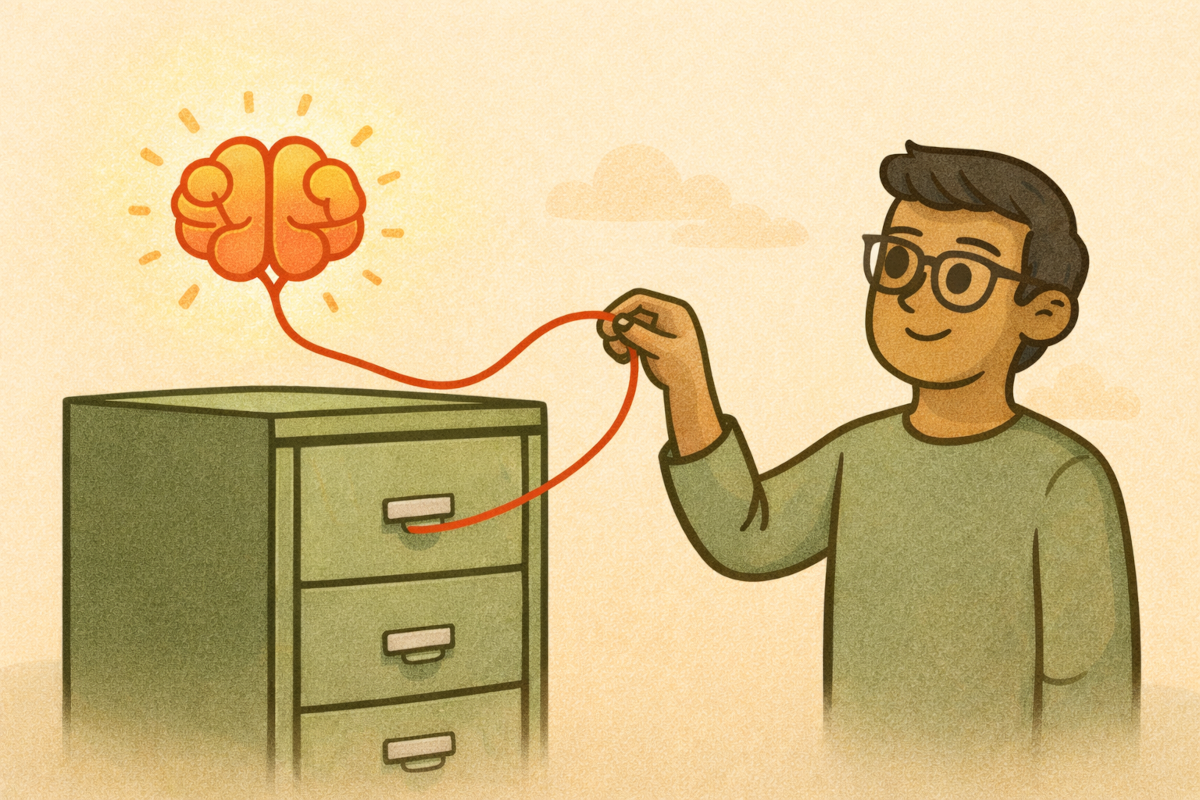
As I move from “AI Power User” to “Systems Architect,” I’ve hit a major bottleneck: Context Friction.
Creating on-brand content requires you to provide AI a lot of context. This comes in brand guidelines, data converted to JSON Schema, existing documentation, and more.
After a while, this becomes inefficient, repetitive, and prone to token-limit errors.
I am currently researching the Model Context Protocol (MCP) as the architectural solution to this problem.
The Concept
MCP is an open standard (by Anthropic) that acts as a “USB-C port for AI models.” Instead of pasting files into the chat, the AI connects to an MCP Server that has secure read-access to specific local data.
The Planned Architecture
I am designing a workflow to eliminate the “Copy-Paste” loop entirely:
- The Host: Claude Desktop (the client).
- The Server: A Dockerized “Filesystem MCP” container.
- The Data: A sandboxed directory (
/knowledge-base) containing my core documentation.
Why Docker?
My research suggests running MCP servers directly on the host machine can get messy with dependencies. By wrapping the MCP server in Docker, I plan to create a portable, secure “Context Module” that I can spin up or down without polluting my local environment.
Next Steps
I am currently reviewing the documentation for mapping Docker volumes to MCP clients. My goal for this sprint is to successfully connect Claude to my local style_guide.md and have it critique a draft without me ever hitting Ctrl+V